



|
Quick answer: Single sign-on, or SSO, is a user authentication method that lets an individual sign in to a single account and get access across multiple logins. This seamless experience means users only need to remember one username and password. |
Intro:
Password fatigue may not be an official medical diagnosis, but it’s still a real problem, especially in professional settings.
The cure? Single sign-on, or SSO. What is SSO login? It’s exactly what it sounds like: One sign-on to rule them all. Users only have to remember one username and password, like their email, to get access across various accounts.
Keep reading to learn more about SSO, its role in authentication and cybersecurity, and how to implement it at your organization.
What is SSO?
Single sign-on is an authentication method that lets users sign in to multiple accounts. They only need to enter their sign-in information once—into their Google account, for example—and then use that same account to access other applications.
How does SSO work?
The SSO login process relies on a trusted relationship between the identity provider (IdP) and the service providers (SPs). When a user tries to access a service provider, they’re redirected to the identity provider to log in. Once authenticated, the IdP confirms the user’s identity by sending a secure token back to the service provider.
This token, often based on standards such as Security Assertion Markup Language (SAML) or OAuth 2.0, acts like a digital key, giving the user access to the requested application without making them re-enter their credentials.
Here's a step-by-step breakdown of the SSO login process:
-
User tries to log in: A user tries to access an application (the service provider). The service provider, like Workday HR, as an example, sees that the user isn't authenticated yet.
-
Redirect to the identity provider: The service provider redirects the user's browser to the identity provider's login page, Microsoft Entra ID, for example, where they enter their username and password.
-
Identity provider verifies identity: Microsoft checks the credentials against its user database. This may include a second step of multi-factor authentication.
-
Identity provider sends authentication token: Once the user is authenticated, the identity provider creates and signs a secure token and sends it back to the user's browser.
-
Token sent to service provider: The user's browser sends the authentication token to the original service provider, Workday.
-
Service provider grants access: The service provider receives the token, validates its signature, and gives the user access to the application without any further login prompts.
This all happens within a couple of seconds as the user logs in.
What is an SSO token?
An authentication token, or SSO token, is a digital credential used to prove a user's identity to different applications after a single login. A secure token is generated after a user authenticates with an identity provider. This token has the user’s identity info and is digitally signed by the identity provider.
Instead of sending login credentials to every application, the user's browser sends this token. The receiving application validates the token's signature, confirming it's from a trusted source. This gives the user access without a second login. Tokens are usually temporary, adding an extra layer of security.
Benefits of using an SSO ID
As a key technology for modern businesses, single sign-on offers several benefits that impact both the end user and the organization's IT and security teams. The main benefit is that it simplifies the user experience. Other benefits include:
-
Better security: SSO reduces the risk of password-related security breaches. By managing only one strong password, users can create more complex passwords, and IT teams can more easily enforce strong password policies and multi-factor authentication for businesses at a central point.
-
Less password fatigue: Users only need to remember one set of credentials to access all their applications, eliminating the frustration of being locked out due to forgotten passwords, leading to higher employee satisfaction and productivity.
-
Simplified MFA: SSO and MFA go hand in hand, with SSO providing one verification step with the main service provider versus multiple across various accounts and applications.
-
More productivity: Eliminating the need to log in to each application separately saves time. This lets employees get to work faster, improving overall operational efficiency and creating a more seamless workflow.
-
Lower costs: A significant portion of help desk calls are related to password resets. By simplifying the login process and enabling self-service password management, SSO drastically reduces the workload on IT support teams so they can focus on more critical tasks.
-
Centralized control and auditing: SSO is a single dashboard for administrators to manage user access across all applications. This makes it easier to enforce security policies and quickly revoke access for a departing employee, which is crucial for maintaining compliance and security.
Types of SSO
Single sign-on is a widely used technology with various types, each suited for different environments and use cases. While they all achieve the same goal—letting users access multiple applications with a single login—their processes can vary.
The most common types include standards-based protocols like SAML and OAuth, as well as older technologies and specific deployment models. Here’s an overview of the types of single sign-on.
SAML
Security Assertion Markup Language is an XML-based standard that lets an identity provider securely exchange authentication and authorization data with a service provider. It’s a commonly used protocol for business-to-business (B2B) applications and enterprise environments. The process involves the IdP creating an assertion (a signed XML document) that the SP trusts to verify the user's identity.
OAuth
Open authorization is an open-standard protocol used for authorization, not authentication. It lets a user grant a third-party application limited access to their resources on another site, like having an app post to your social media account without giving it your password. It works by issuing access tokens that grant specific permissions, and it's commonly used in consumer-facing applications.
OIDC
OpenID Connect (OIDC) works with the OAuth 2.0 protocol. It adds authentication capabilities to OAuth by introducing an ID token, which is a JSON Web Token containing user identity information. This makes OIDC a popular choice for mobile and web applications with a standardized way to verify a user's identity while offering OAuth's authorization features.
Kerberos
Kerberos is a powerful network authentication protocol. It relies on secret-key cryptography to deliver strong authentication for client/server applications and works by having a trusted third party, called a Key Distribution Center, issue tickets to users.
These tickets are then used to prove identity to network services, so it’s an ultra-secure protocol commonly found in on-premise enterprise environments like Microsoft Active Directory.
Password-based
Password-based SSO is the simplest form of single sign-on that works by storing and replaying a user's login credentials. A third-party application or a browser extension securely stores the user's usernames and passwords for various sites.
When the user tries to access an application, the system automatically fills in the login form with the stored credentials. While easy to implement, this method is generally less secure than other methods because it centralizes all user passwords.
On-premise versus cloud-based
This distinction refers to where the SSO infrastructure is hosted. An on-premise SSO solution is managed and hosted within a company's own data center, giving it full control over the system.
A cloud-based SSO solution, usually offered as a service by a third-party provider, is hosted on the cloud. This model is often more scalable, easier to maintain, and needs less up-front investment.
How to implement SSO
Implementing a single sign-on solution requires careful planning and consideration of your organization's specific needs. It’s more than choosing a technology—it’s understanding existing infrastructure, security requirements, and the user experience you want to have.
A well-implemented SSO solution can streamline access, reduce IT overhead, and improve security, while a poorly planned one can open the door to new complexities and vulnerabilities.
Here’s your checklist for considering an SSO solution:
-
Consider the number of users and applications: How many users will need SSO, and how many applications will they need to access? This will influence the scale and complexity of the solution you need.
-
Outline budget and costs: This includes both direct and indirect costs. Consider the price of the software or service, any required professional services for implementation, potential subscription upgrades for third-party applications to enable SSO, and factor in ongoing maintenance and support.
-
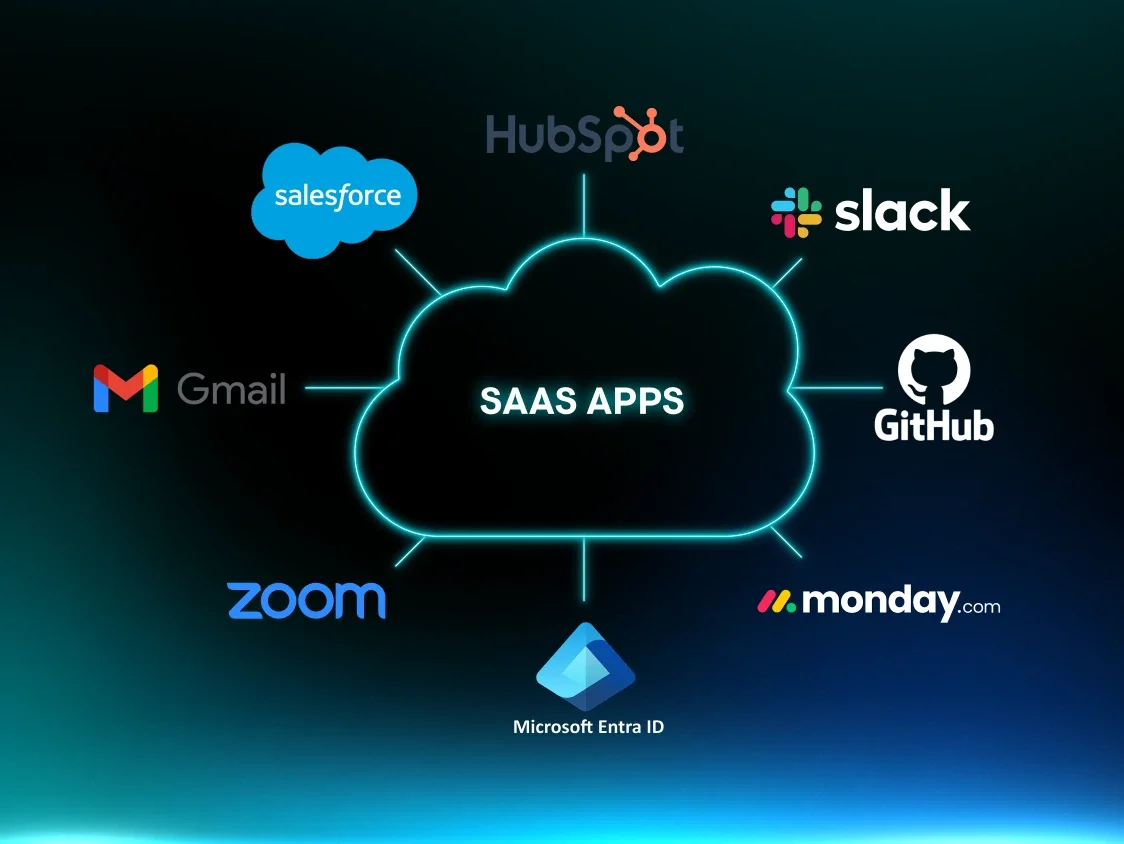
Follow federated identity management (FIM) best practices: FIM is essential for seamless access to external applications like Salesforce or Zoom. It uses protocols like SAML or OIDC to build trust between your identity provider and other companies' service providers, enabling cross-organizational SSO.
-
Decide on the type of solution: Choose a solution that fits your technical environment. You might opt for a cloud-based service for its scalability and ease of use, an on-premise solution for greater control over data, or a hybrid approach.
-
Examine existing infrastructure: Look at your current identity management system. Do you use an existing on-premise directory like Microsoft Active Directory or a cloud-based service? Your new SSO solution should integrate with this existing system to centralize user identities.
-
Assess security needs: SSO can enhance security, but only if it’s implemented the right way. Consider implementing strong authentication methods like multi-factor authentication (MFA), enforcing strict session timeouts, and implementing the principle of least privilege.
Potential risks of SSO
While SSO has major benefits, it's not without potential risks that organizations and users need to be aware of. The centralization of authentication, which is SSO's greatest strength, can also be a single point of failure if it’s not properly secured. The following high-level risks highlight the importance of careful planning and implementation to mitigate vulnerabilities.
-
Single point of failure: If the SSO identity provider is compromised or goes offline, all connected applications become vulnerable or inaccessible. This can lead to a widespread outage and significant business disruption.
-
Credential compromise: A single credential theft or exposure can give an attacker access to a user's entire portfolio of applications and data. This makes the SSO account a highly valuable target for phishing and other credential-stealing attacks.
-
Weak password vulnerability: If a user’s SSO master password is weak, reused, or a commonly used password, it can put all their linked accounts at risk. While SSO centralizes authentication, the security is ultimately dependent on the strength of that one password.
-
Limited control and monitoring: In some SSO setups, once a user is authenticated, the individual service providers have less granular control over session management and access. This can create challenges for logging out users and monitoring activity within specific applications.
-
Implementation misconfigurations: Errors during the implementation of an SSO solution, like misconfigured trust relationships or improperly validated redirect URLs, can create vulnerabilities that attackers can exploit to bypass security controls.
SSO as a part of access management strategies
Single sign-on is an important part of cybersecurity and managing user access. Without it, users may experience password and alert fatigue, and IT teams spend a lot of their time dealing with username and password retrieval tasks.
SSO should be part of your organization's various access management strategies and tools like MFA, privilege access management, and zero trust architecture. All of these tools can help prevent unwanted access.
We understand what threats like credential theft and unauthorized access mean for your business, and we’re here to help. Huntress has you covered with managed identity threat detection and response (ITDR), protecting identities across your organization 24/7.
FAQ
What’s an example of an SSO login?
An example of an SSO login is using your company's Microsoft 365 account to log in to a third-party service like Salesforce. You click "Log in with Microsoft," are redirected to Microsoft to verify your identity, and then are sent back to Salesforce, now authenticated, without creating a new password.
What’s the difference between SSO and normal login?
The key difference between SSO and a normal login is the number of credentials you need to remember. With SSO, you only use one username and password to access multiple applications, whereas with a normal login, you have to create and manage a unique one for each application.
How do I enable SSO login?
To enable SSO login for an application, you typically need to configure a trust relationship between your identity provider (e.g., Google Workspace, Okta) and the application, which acts as the service provider. This involves exchanging metadata and configuring settings in both systems to ensure they can securely communicate and verify user identities.
Is SSO secure?
Yes, SSO enhances security by centralizing authentication and enforcing strong security policies like MFA and robust passwords on a single account, reducing risks from weak or reused credentials across services.